How to take over an AI agent's chat from your phone
When a customer asks for a real person, you shouldn't need a laptop. Here is how push notifications, translation and takeover work in ARIXIK Mobile, and what still lives in the web console.
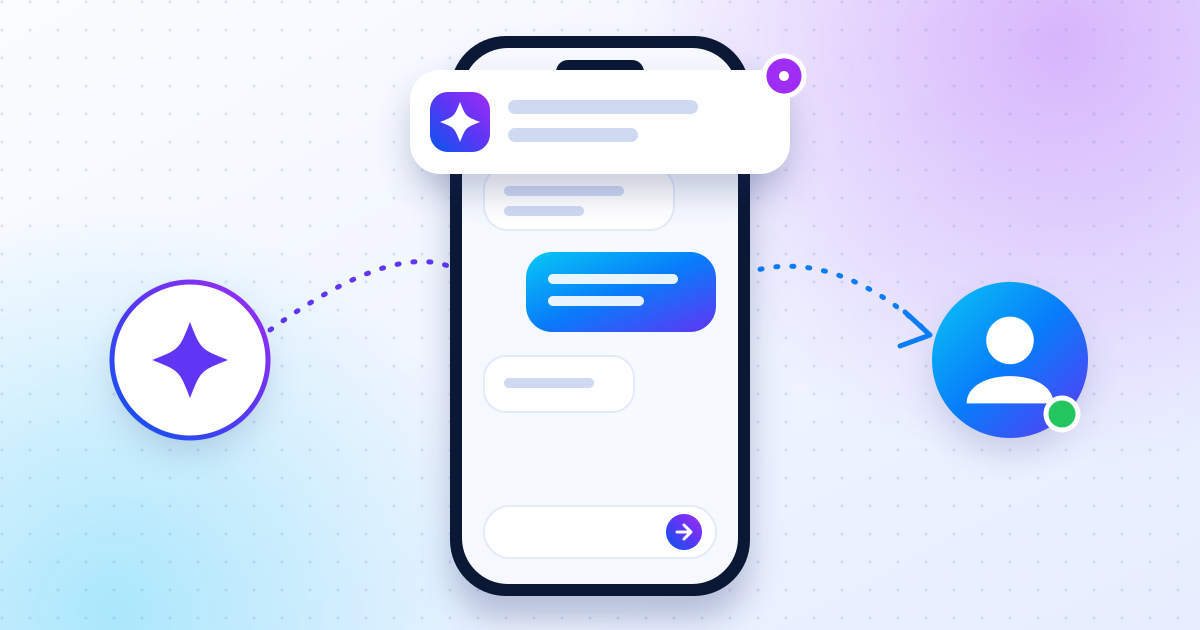
Your AI agent can handle most of the routine questions by itself. It's the other moments that matter. A customer writes "can I talk to someone?", or a booking needs a decision, or a sale is about to be won or lost. If your team can only react from a desk, those moments slip by. That's the reason we built ARIXIK Mobile.
What happens, step by step
A customer writes on your website or in Telegram. The ARIXIK agent answers. Your team gets a notification on their phone about the new conversation. Then someone reads it, takes it over if needed, and hands it back when they're done. The AI keeps working, and your team stays in control.
A push for every new conversation
The moment a customer sends a first message, an administrator gets a push and can open the whole conversation. We know a phone that buzzes all day gets ignored, so you decide what comes in: the push for new conversations can be turned off for the whole organization, or only for you.
You read it in your language, they get theirs
The customer writes in their language and the agent replies in it. In the app, you can read every message in the original and in translation. Translation and AI summaries are available where they're enabled for your organization.
Taking over, and handing back
When a customer needs a person, you take the conversation yourself. When you're done, you give it back to the assistant, after a confirmation, and the AI picks up the next questions. Takeover depends on the agent's plan and on the staff member's role, and it's available on every plan.
What stays in the web console
The app shows your agents and the conversations that need attention, and it has the administration features available in the app. The deeper setup, like the agent's content and rules, stays in the web console. We think that's the right split. Nobody wants to edit a knowledge base with their thumbs.
Who it helps most
A small team where the owner is also the person who closes the sale. A shop where the staff are on the floor, not at a computer. A service business where a booking question at 8 in the evening is worth answering within minutes.
Availability and price
ARIXIK Mobile is in early access, shared with approved iOS users for now. To get in, create an account, request a demo and mention ARIXIK Mobile. Approved users get an invitation from our team. It's an add-on for your organization, priced per organization, not per user or per agent, and it isn't a standalone agent. The terms after early access haven't been announced yet. You'll find more on the ARIXIK Mobile page.
Frequently asked questions
- Can my staff take over conversations from the phone?
- Yes, where the agent plan and the staff member's role allow it. Takeover is available on every plan.
- Can I turn push notifications off?
- Yes. The push for new conversations can be switched off for the organization, or just for yourself.
- Can I manage all my agents from the app?
- You can see your agents and conversations and use the administration features available in the app. The deeper agent setup stays in the web console.
- Is there an Android version?
- Right now ARIXIK Mobile is in early access for approved iOS users.